
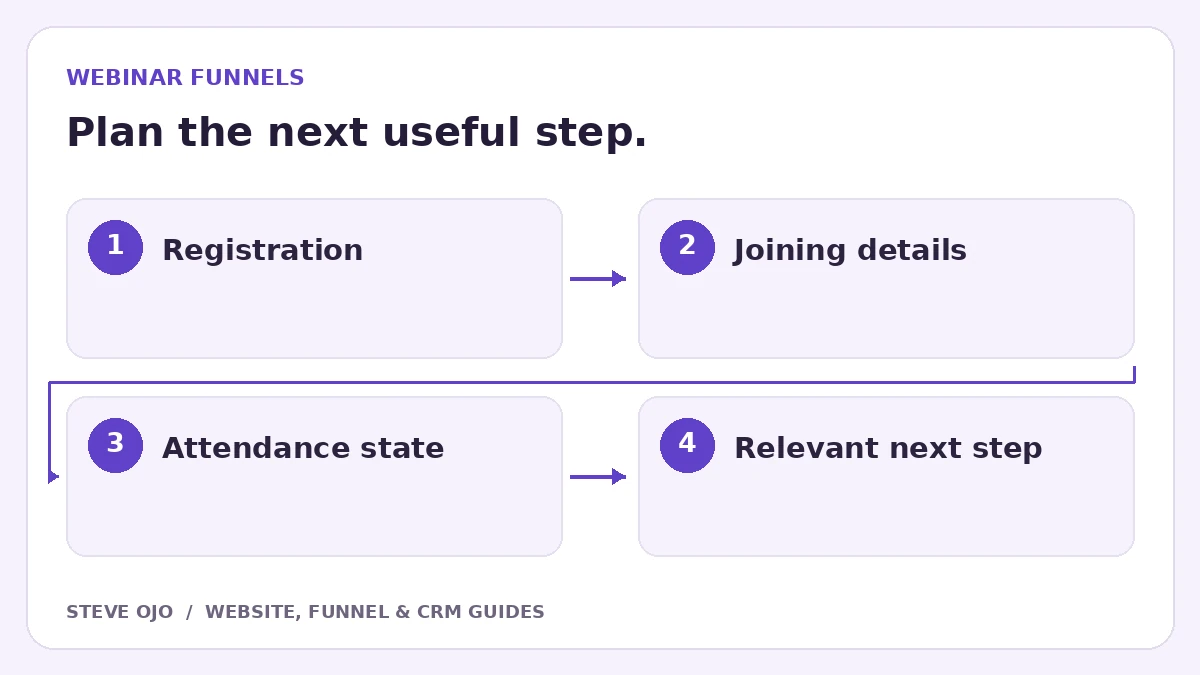
A webinar funnel needs more than a registration page. The visitor must understand the event, receive the correct joining details and get follow-up that reflects what happened. Build the registration, reminders, attendance handling and offer as connected stages, with a clear definition of which system owns each event.
Make the promise and event format precise
Explain who the webinar is for, what it covers, who presents it and whether it is live or recorded. Show the date, time zone and expected duration. If a replay will be available, state the actual access arrangement rather than implying unlimited access by default.
The registration button should match the commitment. A free event registration is different from purchasing a workshop ticket. Do not use fake remaining-seat numbers or a countdown that restarts while claiming a real deadline.
Choose the source of truth for registration
Decide whether the webinar provider or CRM creates the registration record. If the systems connect, preserve a unique registration identifier and the correct joining link. A CRM contact created by a form is not proof that the webinar platform registered the attendee.
Send a confirmation only after the required registration step succeeds. If the platform is temporarily unavailable, show an honest pending or retry message and alert the team. Avoid sending a generic webinar link when individual links are required.
Write reminders around joining the event
A simple sequence might include confirmation, a reminder the day before and another shortly before the event. Choose timings that fit the event and audience; they are editorial starting points, not a universal formula. Each message needs the correct event time and joining instructions.
Use the event’s time zone consistently, especially for audiences across countries. If the provider offers calendar links, test them. A date stored as plain text can look right in one email while creating the wrong calendar time elsewhere.
Follow up from an attendance state you can verify
Only segment attendees and no-shows when the webinar provider supplies reliable attendance data. If the integration cannot confirm attendance, use neutral wording such as “Here are the webinar resources” instead of “Thanks for joining live.”
Steve’s Tracie Lowe CPA webinar registration page shows presentation of a presenter, topic and free-ticket invitation. The visible project does not verify a historical reminder sequence or attendance integration; those require separately agreed implementation.
Test the full event with fictional registrants
- Register on mobile and verify the provider record.
- Open the joining link from the confirmation email.
- Check calendar times for a second time zone.
- Test duplicate registration and a failed integration.
- Simulate an attendee and a no-show before enabling segmented follow-up.
Report registrations, attendance and the next meaningful action separately. A busy registration page is not proof that the webinar generated suitable sales conversations. Improve the stage that the actual event data shows is losing people.
Sources and product documentation
Product details checked 27 October 2026. Confirm current plans and the exact behaviour in your account before implementation.
Need help applying this to your business?
Steve Ojo designs websites, funnels and connected CRM workflows, working remotely from Nigeria. Share your current process and the outcome you need.
Explore the related service Discuss your project