



Map source and destination
Define the owner of each field, the event that sends it and the system of record.

I map the data and events that need to move between your website, CRM, calendar, payment or delivery tools before implementing the supported connections.
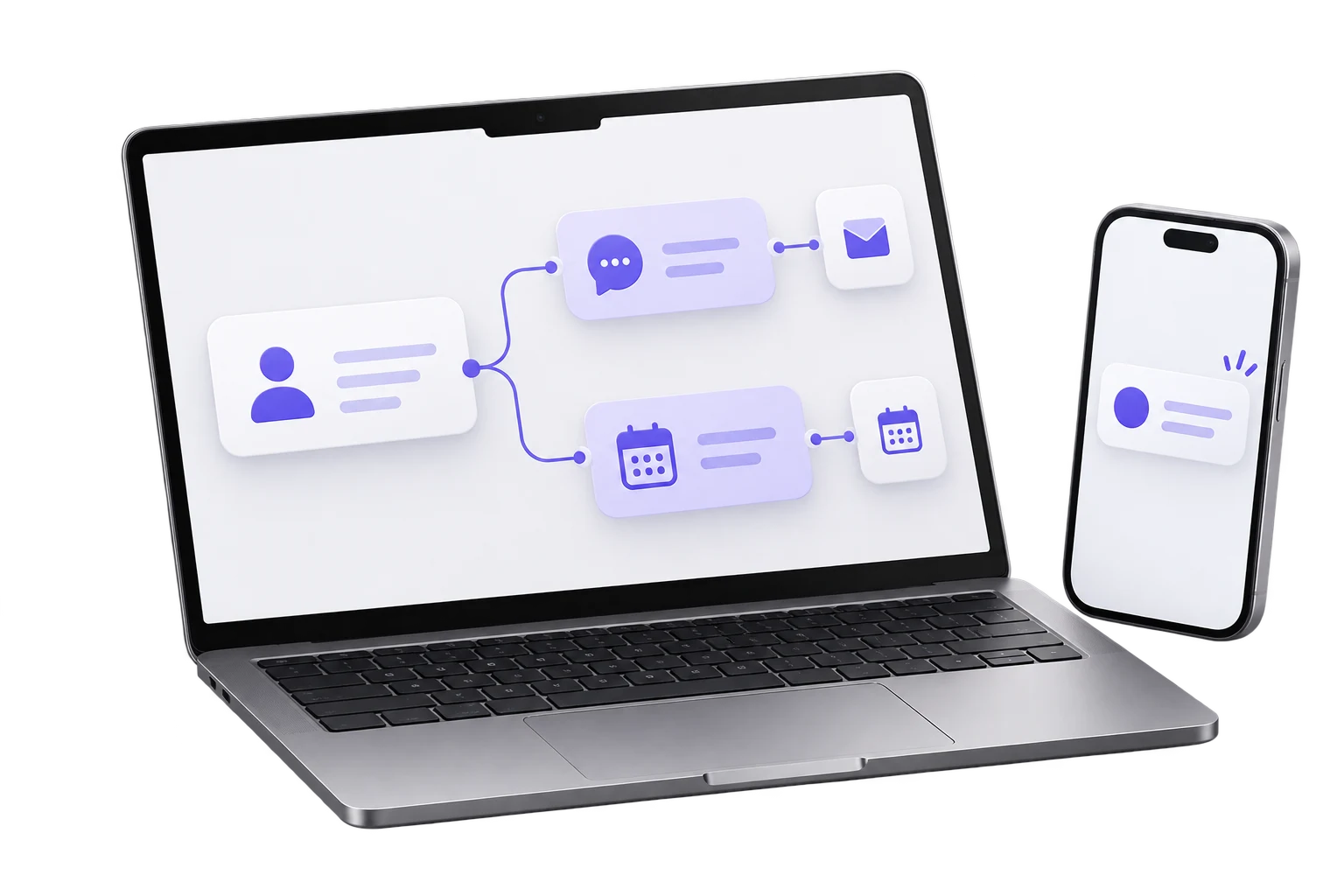
An integration can appear to work while creating duplicate contacts, losing the source or sending a success message for the wrong event. The data contract matters as much as the connection itself.
I’ll name the source of truth for each contact and event before joining the page, CRM, calendar and other tools.
Define the owner of each field, the event that sends it and the system of record.
Review native integrations, webhooks or middleware against access, volume and maintenance needs.
Check a normal path, retries, duplicates, missing fields and a responsible owner for failures.
I’ll test one record through the connected tools, including duplicate, failure and update scenarios.
A form, booking or payment produces the agreed data.
The receiving system creates or updates the correct record.
Failed or incomplete transfers have a review and recovery path.
I check each platform’s supported integration, permission and data limits before committing to an setup.
The proposal identifies the accounts, middleware subscription and person responsible for monitoring failures.
I will review your current tools, the event that matters, what your team can support and the first phase worth building.
Show me the tools in use, what must move between them and who maintains each account.
Map the data source and destination, choose supported integrations, and test duplicates and failed transfers.
GoHighLevel can connect the CRM, forms, calendar and workflows where those tools fit your setup. I can also work with your existing platform. The right build starts with your process, access and handoff rules.