
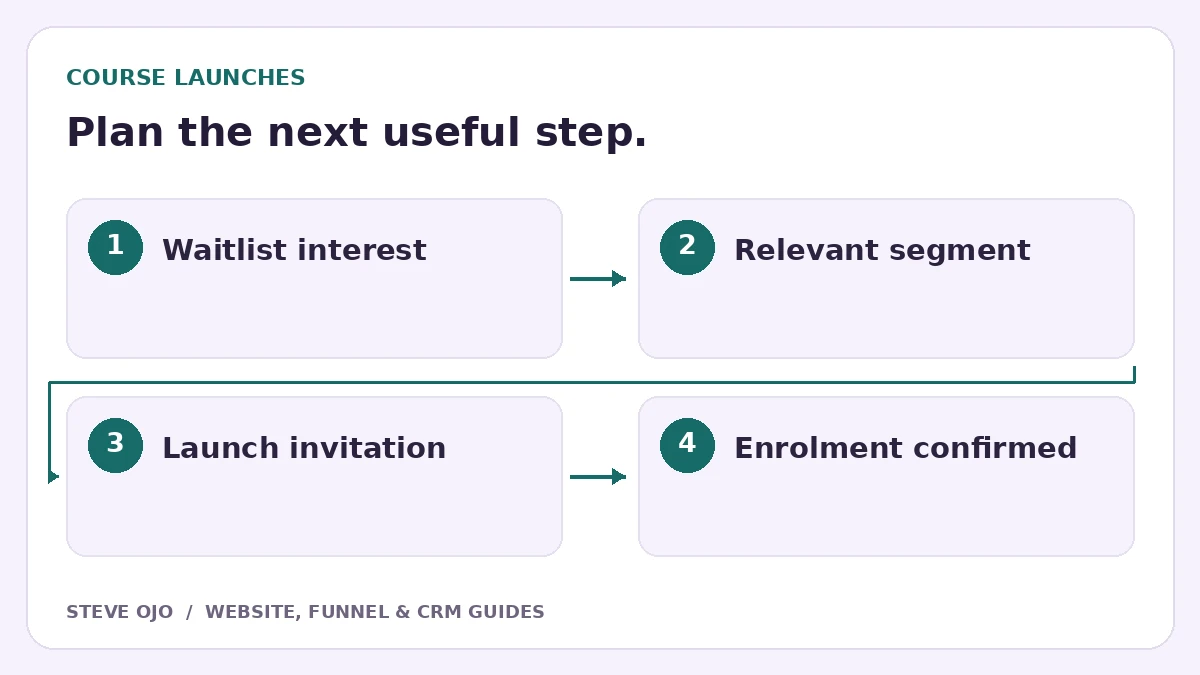
An online course waitlist records interest before enrolment opens. It can help you learn which topic, level or schedule matters to potential students. Build it as a clear information exchange: the visitor knows what updates to expect, and you collect only details you will actually use when planning the launch.
Describe a specific course direction
Explain the intended learner, the problem the course addresses and its proposed format. If the curriculum or launch date is still being developed, say so. A waitlist should not imply that a finished course is available or that joining secures a place.
A short page can include the course idea, likely learning areas, who it is suitable for and the type of updates subscribers will receive. Avoid invented testimonials or outcomes. Use verified work or clearly labelled sample material where you have it.
Ask one research question that affects the launch
Name and email may be enough for a basic waitlist. Add one useful question, such as current experience level or the main topic the person wants help with. Do not collect a large profile unless it changes the course or communications.
Make the question optional when a short signup is more important than segmentation. If you ask about preferred live-session times, explain that the final schedule is not confirmed. Do not convert a preference into a promise.
Deliver a clear confirmation
Confirm that the person joined the waitlist and say what comes next. If there is a free sample lesson or worksheet, provide a working access route. Separate receiving launch updates from paid course access so there is no ambiguity about what the signup provides.
Use an email address people can reply to. Replies about the proposed content may be more useful than raw subscriber totals. Keep their questions connected to the course topic rather than pushing everyone into an unrelated general marketing sequence.
Segment only where the message genuinely differs
A beginner may need an explanation of prerequisites, while an experienced learner may want to compare advanced topics. Use those differences if you can deliver relevant messages. Do not create ten segments and send them identical content under different labels.
When enrolment opens, link to the actual sales page with the agreed price and terms. A person who purchases should stop receiving “still thinking about joining?” messages. The purchase record or confirmed enrolment event should drive that exit, not a click on the checkout button.
Test launch and non-launch scenarios
Create fictional subscribers in two interest groups. Verify the confirmation, delivery link and segment. Then test a purchaser, a subscriber who replies and someone who opts out. Check that the correct sequence stops in each case.
If the launch is delayed, send an honest update rather than quietly restarting a countdown. Measure engaged waitlist subscribers, enrolment-page visits and confirmed purchases separately. The waitlist is useful when it improves the course decision and communication, even before it produces an enrolment.
Sources and product documentation
Product details checked 27 October 2026. Confirm current plans and the exact behaviour in your account before implementation.
Need help applying this to your business?
Steve Ojo designs websites, funnels and connected CRM workflows, working remotely from Nigeria. Share your current process and the outcome you need.
Explore the related service Discuss your project