
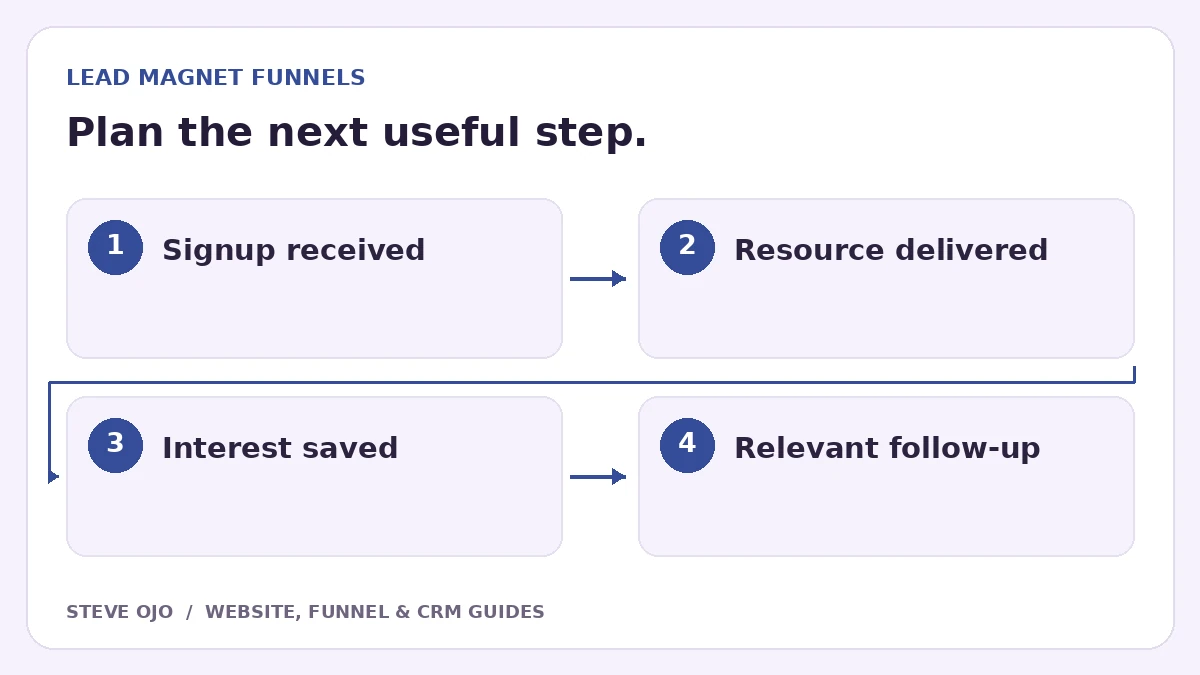
Lead magnet delivery automation should give the person the resource they requested and preserve enough context for a useful next conversation. A contact added to the CRM is only the beginning. Check the download, email, interest label and follow-up exits as one connected experience.
Define exactly what the visitor will receive
Use a named resource with a clear purpose: a checklist, worksheet, guide or sample lesson. State its format and what problem it helps solve. Avoid a vague “free value” offer that leaves people unsure what they are requesting.
Host the file or resource page somewhere the visitor can access without an unexpected login. If access is gated, explain the requirement before signup. Check permissions using a signed-out browser rather than assuming the owner’s working link is public.
Provide access after a successful signup
A confirmation page can give immediate access, with a delivery email as a second route. That reduces dependency on the first email arriving instantly. Display success only when the form has been accepted by the system responsible for the signup.
In the email, name the resource and use a clear link. Include a reply route for access problems. Do not attach a very large file when a stable resource page would be easier to use on mobile. If the resource changes, update both the confirmation and delivery email.
Store the resource interest separately from general contact data
Record the resource identifier, signup date and source page. A person can request several resources, so avoid overwriting their history with a single “lead magnet” field. Use tags, related records or event history that fit the CRM.
For an existing contact, deliver the requested resource without blindly resetting their sales stage. Someone already discussing a project may download a checklist for reference; they should not suddenly receive a new-prospect introduction that ignores the current conversation.
Make follow-up a continuation of the request
Start with help using the resource: a short example, a common decision or an invitation to ask a question. Keep the next offer related. A website-planning worksheet should not automatically lead to unrelated treatment promotions or a broad daily sales sequence.
Define exits for replies, bookings, purchases and opt-outs as appropriate. If using HighLevel’s Stop on Response, remember that it applies to messages in that workflow. Review other active sequences separately so a reply does not leave competing messages running.
Test repeat signups and failure recovery
- Sign up with a new fictional contact and open the download on mobile.
- Repeat with the same address and check whether delivery behaves as intended.
- Request a second resource and verify that the first interest is preserved.
- Break the resource permission deliberately in a test and confirm the recovery route.
- Reply to the delivery email and verify the human handoff.
Report successful requests and useful subsequent actions separately. A download click is not proof that the reader used the resource or wants a call. Improve the relevance of the next step before adding more messages.
Sources and product documentation
Product details checked 27 October 2026. Confirm current plans and the exact behaviour in your account before implementation.
Need help applying this to your business?
Steve Ojo designs websites, funnels and connected CRM workflows, working remotely from Nigeria. Share your current process and the outcome you need.
Explore the related service Discuss your project