
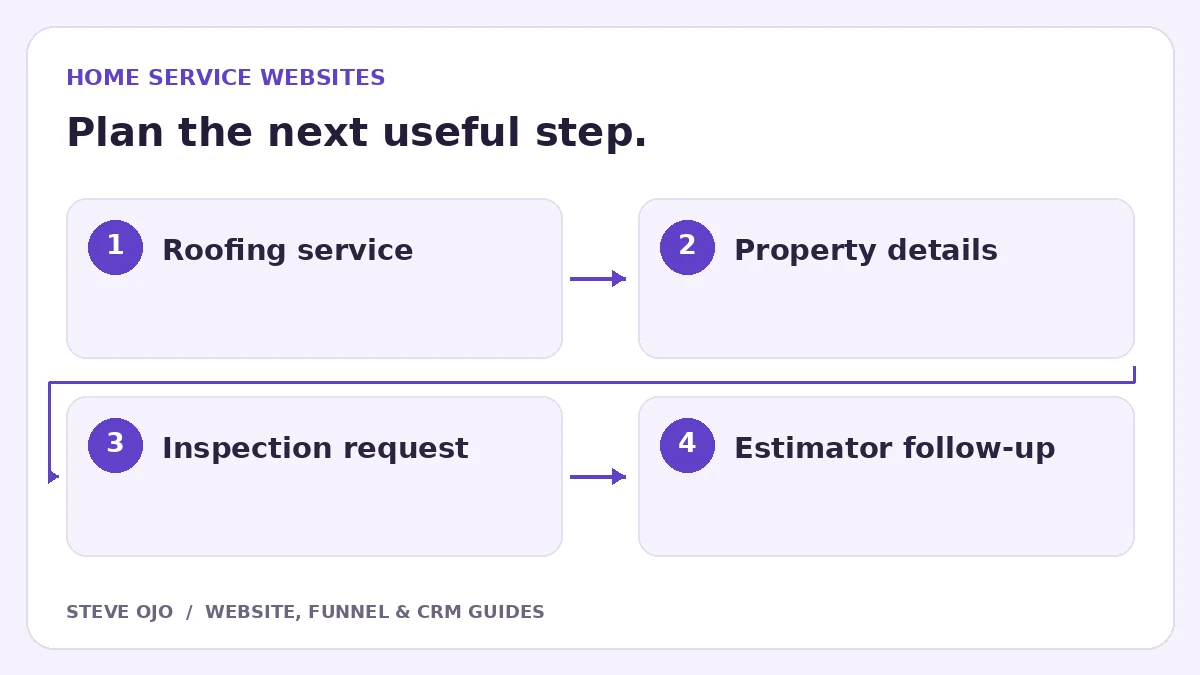
A roofing landing page should help a homeowner understand the work you do, check whether you cover their property and request the next step. A roof-repair visitor and someone planning a full replacement need different information. Use this checklist to plan one page around one service before sending paid or organic traffic to it.
Choose repair, replacement or inspection as the main offer
Write down the specific job this page should attract. A replacement page can explain the inspection, material choices and proposal process. A leak-repair page should explain how to contact the team and what happens outside operating hours. Do not mix both into a headline that promises every possible roofing service.
Match the button to the actual commitment: “Request a roof inspection” is different from “Get an instant quote.” If a person must inspect the property before pricing, say so beside the form. Advertise emergency availability only when someone can actually respond.
Build the page around evidence a homeowner can check
Use permissioned photos from work the business completed. Caption the project type and what the image illustrates, without inventing a location or result. Explain who carries out the assessment, the service area and how scheduling works. Keep reviews attributable and current.
A useful layout is a specific offer, a brief scope explanation, project examples, questions about the inspection and the request form. Design examples found online can inspire layout; they do not establish that your business has delivered the same work or can make the same promises.
Ask for information the estimator will actually use
| Field | Reason to collect it |
|---|---|
| Postcode or service area | Check coverage before scheduling |
| Repair, replacement or uncertain | Route the request to the right conversation |
| Contact details and preferred method | Arrange a response |
| Short description, optional photo | Prepare for the inspection without demanding a diagnosis |
Do not require roof measurements or technical terminology from the homeowner. Explain any upload limits and keep the form usable without a photo. Label required fields visibly, and show a useful error beside missing information.
Connect the request to a named owner
Save the service requested, source page and contact preference with the enquiry. Assign a staff member, create a follow-up task and give the visitor an honest response window. An automated acknowledgement should confirm receipt, not claim that an inspection has been scheduled.
If the property is outside coverage, use a clear response instead of silently leaving the request in an unassigned pipeline. If the visitor books an inspection later, stop messages that still ask them to request one. Keep a record of the appointment separately from the original form submission.
Run four launch tests before spending on traffic
- Submit a normal request on a phone and find every answer in the CRM.
- Submit an out-of-area request and check the routing.
- Leave a required field empty and verify that the error is understandable.
- Book an inspection after submission and check that duplicate reminders stop.
Report inspection requests, qualified properties and proposals separately. A page can produce many form submissions while creating little suitable work. Review rejected enquiries before changing the design: missing service-area wording or an ambiguous offer may be the real problem.
Sources and product documentation
Product details checked 27 October 2026. Confirm current plans and the exact behaviour in your account before implementation.
Need help applying this to your business?
Steve Ojo designs websites, funnels and connected CRM workflows, working remotely from Nigeria. Share your current process and the outcome you need.
Explore the related service Discuss your project