
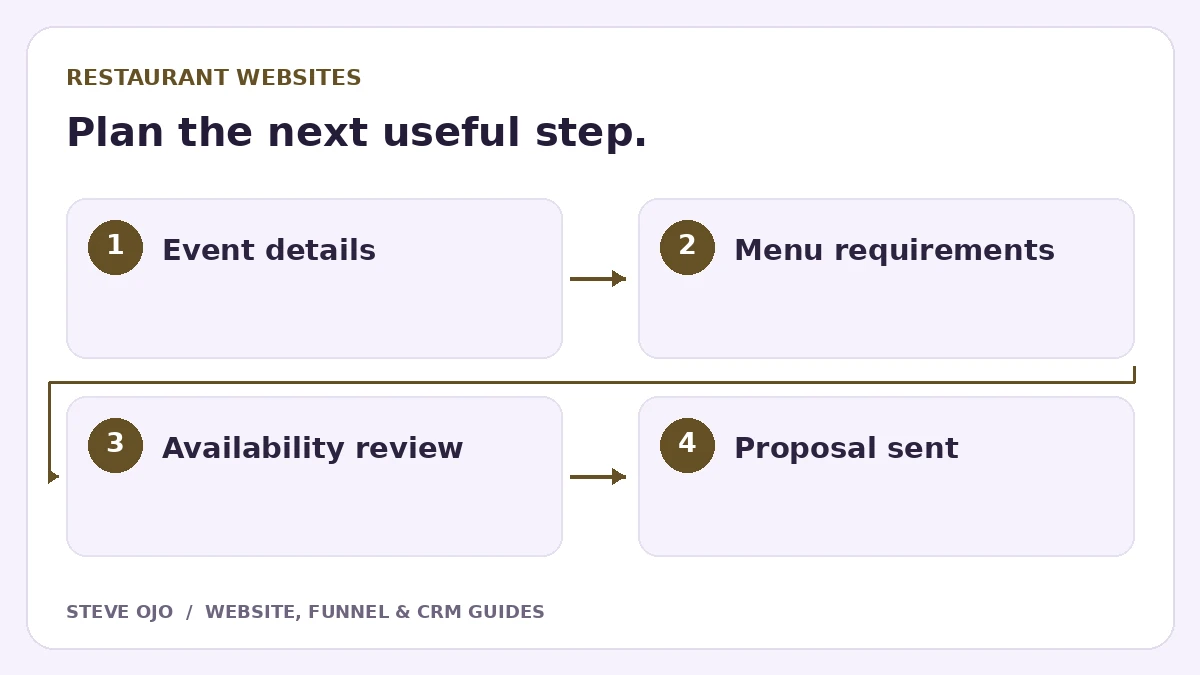
A catering enquiry is different from a table reservation or a takeaway order. A restaurant website should give it a clear route that collects the event details the team needs before quoting. This guide explains the page, form and follow-up process without pretending that every request is a confirmed booking.
Give catering its own explanation
Explain the catering formats the restaurant actually offers: collection platters, delivery, staffed events or another defined service. State coverage, lead time and minimum requirements only after the team has approved them. Keep current menus accessible and distinguish sample menus from final agreed selections.
A visitor planning an event needs to know whether your offering fits the occasion. Use suitable food or event photographs with permission. Do not let a large catering button hide ordinary opening hours, the dine-in menu or the existing reservation route.
Ask for event details that change the proposal
Start with contact details, event date, approximate guest count, event location and preferred service format. Let customers describe dietary or menu requirements in broad terms, with detailed arrangements confirmed directly by the restaurant. Explain that availability and the final menu require review.
For budgets, a range or “Please advise” can be more approachable than a mandatory exact figure. Do not ask for payment information in an ordinary enquiry form. If a deposit is required later, send the customer to the approved payment process after the proposal is accepted.
Design the confirmation around a human review
Use wording such as “Your catering enquiry has reached our events team.” Give a realistic response window and the contact route for a time-sensitive question. A form submission does not reserve the event date unless the restaurant has a system that explicitly does so.
Include a summary of the event in the acknowledgement where appropriate. If the customer entered the wrong date or guest count, make it easy to correct the request. Do not put confidential details in a public confirmation URL.
Connect the website to the proposal process
A simple pipeline is new enquiry, availability checked, proposal sent, customer decision and confirmed event. Assign one person to review the request, and give unresolved enquiries a next-action date. Record the agreed details separately from the customer’s first estimate.
Steve’s Woodbine Deli website project is a relevant food-business design example. Use it to consider menu presentation and page clarity; it is not evidence that a particular catering workflow or revenue outcome was delivered.
Test a realistic event from start to finish
- Request catering on a phone for a fictional event.
- Verify that date, guest count and service format reach the team intact.
- Reply with a changed guest count and check that the proposal owner sees it.
- Accept or decline the proposal and stop irrelevant chase messages.
Count enquiries, suitable events, proposals and confirmed bookings separately. The most useful website change may be a clearer minimum order or service area rather than more form fields. Ask the catering team which missing details delay an answer before expanding the form.
Sources and product documentation
Product details checked 27 October 2026. Confirm current plans and the exact behaviour in your account before implementation.
Need help applying this to your business?
Steve Ojo designs websites, funnels and connected CRM workflows, working remotely from Nigeria. Share your current process and the outcome you need.
Explore the related service Discuss your project