
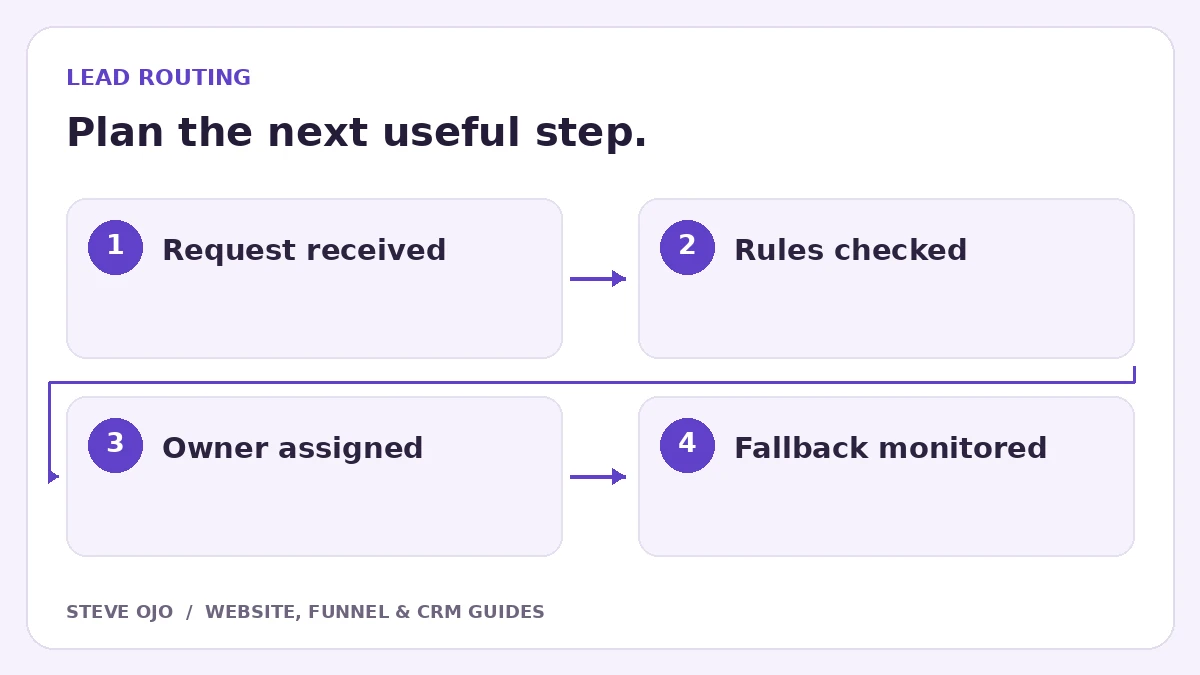
Lead routing decides who owns the next response after an enquiry arrives. A useful workflow considers the service requested, coverage and staff availability, then gives unmatched requests a fallback owner. Begin with rules the team can explain in plain language before implementing branches in an automation tool.
Choose the routing information you can trust
Use fields customers can answer reliably, such as service type and postcode. Avoid routing on a vague free-text keyword when a clear service choice would work. Record the source form separately from the requested service; one form can attract several types of work.
Decide how returning customers are handled. They may need the existing account owner even when a new visitor with the same service request would enter a shared queue. Document exceptions before building the default route.
Write the rules as an ordered decision table
| Condition | Destination | Fallback |
|---|---|---|
| Existing customer with active owner | That owner | Account support queue |
| New request in supported service area | Relevant service team | Duty manager |
| Service unclear | General review | Named inbox owner |
| No rule matches | Unmatched queue | Daily exception review |
Rules can overlap. Define which one wins, and make sure the implementation follows that order rather than assigning several competing owners.
Make assignment create a useful task
An internal notification should include the service, essential context, record link and the next action expected. Put a due date on the task where the CRM supports it. A notification sent to ten people is not the same as one person accepting responsibility.
The customer acknowledgement should give the business’s actual response expectation. Do not promise an immediate callback just because the workflow ran immediately. If staff are unavailable, route the task appropriately and tell the visitor what to expect.
Design for errors and missing destinations
If a user leaves the company, a service changes or an integration fails, the workflow needs somewhere safe to put the request. Use a monitored unmatched queue with a named reviewer, not an invisible automation log that only the original builder knows about.
In Make, routers can branch data with filters and a fallback route, and routes execute sequentially. That is a tool behaviour to account for, not a guarantee that your business rules are mutually exclusive. Test both the logic and the result in the CRM.
Test normal, overlapping and unmatched requests
Use fictional records for each rule, an existing customer, a missing service choice, an out-of-area postcode and two matching conditions. Simulate an unavailable owner. Check that exactly the intended task and customer message are created.
Review unassigned records and time to first meaningful response, with spam excluded. If the same exceptions recur, improve the form choices or the rules. Adding more branches should be a response to an observed business need, not a way to make the workflow diagram look more sophisticated.
Sources and product documentation
Product details checked 27 October 2026. Confirm current plans and the exact behaviour in your account before implementation.
Need help applying this to your business?
Steve Ojo designs websites, funnels and connected CRM workflows, working remotely from Nigeria. Share your current process and the outcome you need.
Explore the related service Discuss your project