
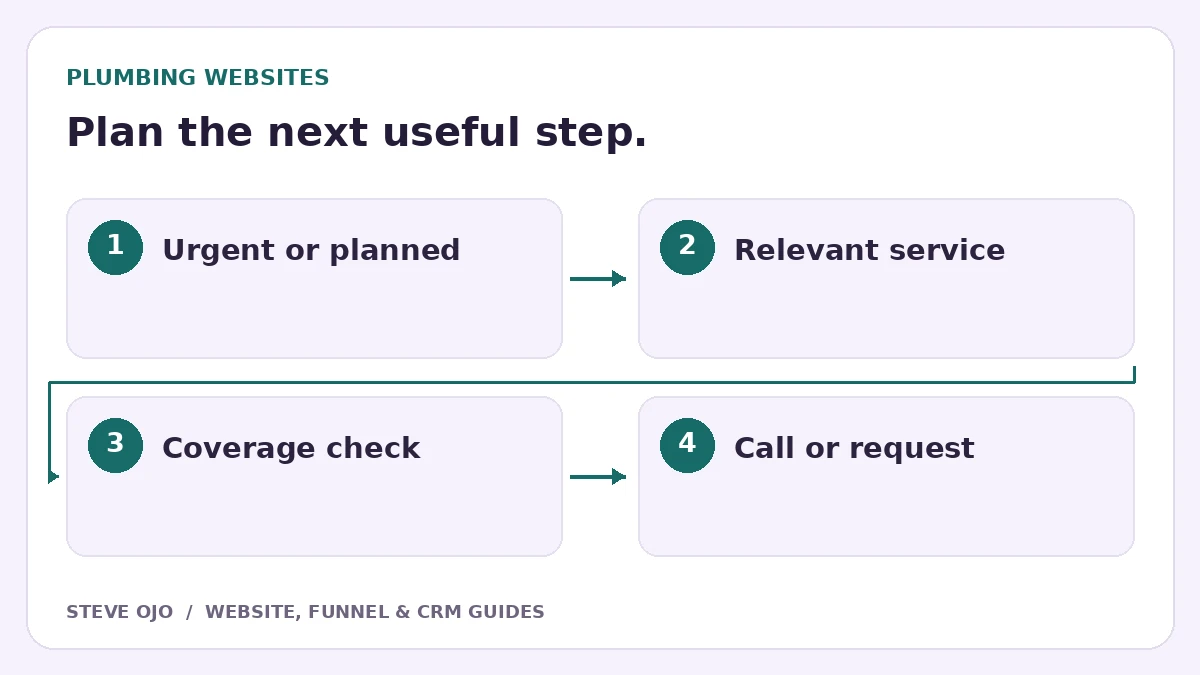
A useful plumbing website helps customers choose between calling about an urgent problem and requesting a planned job. Those journeys should feel different. This guide covers the decisions to make before design, the information each service page needs and the tests that show whether an enquiry reaches the team.
Give urgent callers a clear route
Place a visible phone number near the main service explanation. Make it a working tap-to-call link on mobile, and state the hours during which it is answered. If your company does not operate an emergency service, say that clearly rather than using emergency language to attract unrelated calls.
A planned installation visitor may prefer a form. Offer a separate path for water-heater replacement, a bathroom project or another substantial job. Do not make customers complete a long questionnaire before they can find the telephone number.
Write service pages around the decision being made
A blocked-drain page should explain the service, the coverage area and the next contact step. An installation page may need product suitability questions, a site visit and an estimate. Use the language the business and customers actually use, with exclusions where a request commonly falls outside scope.
Show licensing or qualifications only when verified for the business and jurisdiction. Photos and testimonials should identify real work. Avoid automatically publishing a near-identical page for every nearby town when the service and information are unchanged.
Use the right amount of detail in the quote form
Start with service type, location, contact details and a brief problem description. For a planned installation, optionally ask about the existing equipment or property access. Do not turn optional technical details into a barrier for a customer who does not know them.
Give every field a visible label. Explain what happens after submission: someone will call to understand the job, arrange a visit or prepare an estimate. A confirmation page should never imply a technician is on the way unless the dispatch system has actually confirmed that.
Use project proof for the service it demonstrates
Steve’s 4M Plumbing installation landing-page project is a relevant design example for presenting a specific installation offer. It illustrates offer structure and a next step, not a verified promise of more calls or revenue.
Apply the same discipline to your own work gallery. A photograph of a new installation helps explain that service; it should not be reused as proof of emergency drain repair. Ask the team what customers need to see to understand the job before choosing images.
Test the phone and form journeys separately
- On a real phone, tap the number and check the dialled destination.
- Send a planned-job request with a realistic postcode and find it in the CRM.
- Test outside-hours handling and the reply window shown to the visitor.
- Check that a failed submission preserves the information already entered.
- Confirm that staff know who owns the next response.
Measure connected calls, suitable quote requests and booked visits as different outcomes. Phone-link clicks alone cannot tell you whether anyone answered. Begin with a reliable customer journey, then improve the parts that real enquiries show are confusing.
Sources and product documentation
Product details checked 27 October 2026. Confirm current plans and the exact behaviour in your account before implementation.
Need help applying this to your business?
Steve Ojo designs websites, funnels and connected CRM workflows, working remotely from Nigeria. Share your current process and the outcome you need.
Explore the related service Discuss your project