
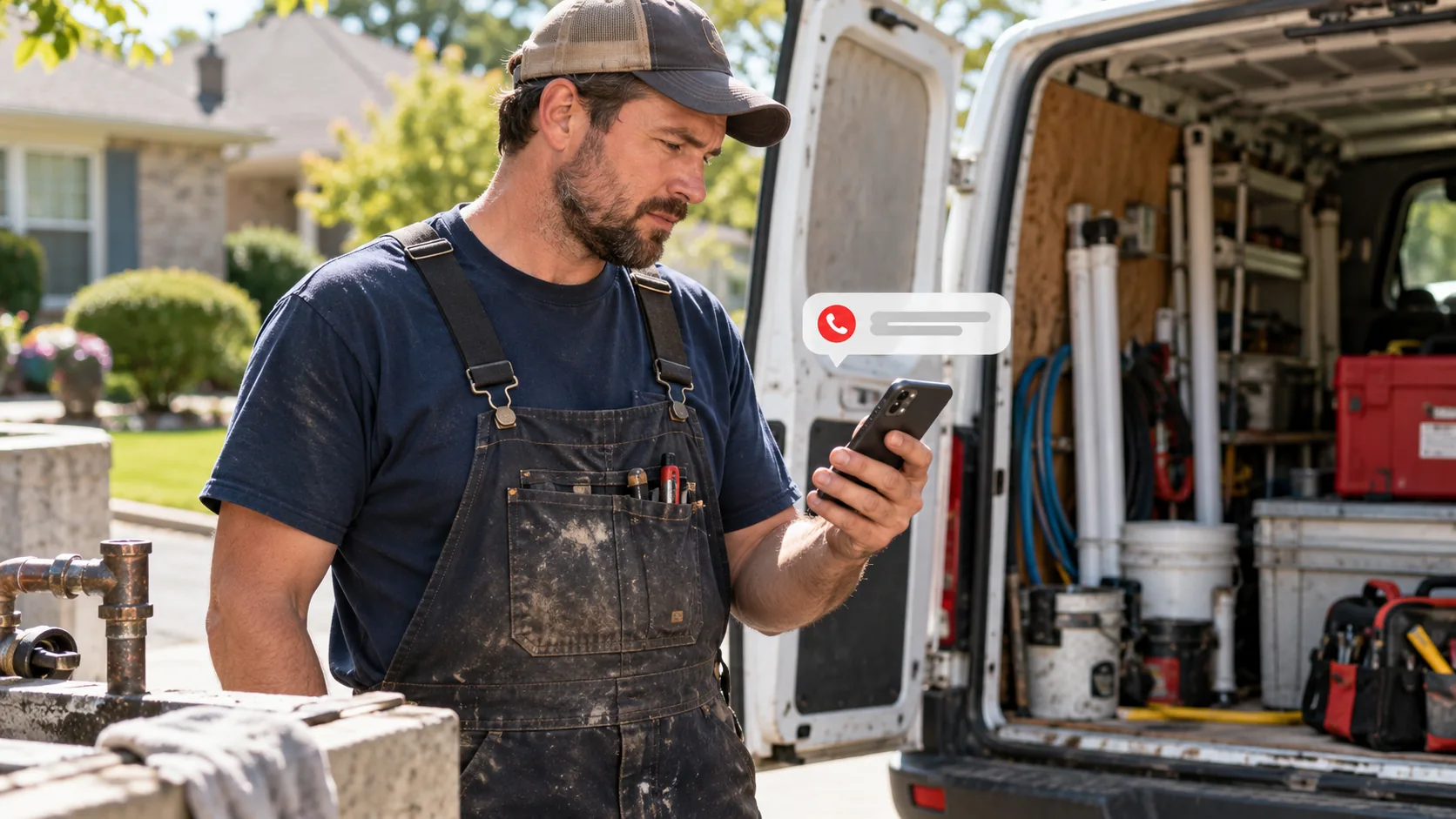
When a technician is on a job, the phone may ring without an answer. A missed-call text-back can acknowledge the enquiry and offer a next step, but only if it reaches the right person and stops when a human takes over.
Map which calls should trigger a text
List your phone numbers, business hours, call routes, voicemail and existing answering service. Decide what “missed” means: unanswered inbound calls to a tracked business number, not every call that ends quickly. Exclude internal staff calls, known spam and calls already answered elsewhere. Check how your phone provider reports forwarded calls before building the workflow.
For an emergency service, the text must never imply that urgent help is already on the way. Give callers an appropriate emergency instruction and a way to call again.
Write one honest first message
Use a short acknowledgement with the business name and a useful response path. For example: “Hi, this is Greenway Plumbing. Sorry I missed your call. Is this about a new service request? Reply with your area and the issue, or call us again at [number].” Customize the wording to the actual company and staff availability.
Do not claim to be a person replying live if the text is automated. Include required identification and opt-out handling under the rules for the locations you serve. Obtain legal advice for consent questions; an unanswered call is not a blanket invitation to send marketing texts.
Route replies to a human
Create or update a contact in the CRM, record the missed-call source, and notify a dispatcher or owner when the customer replies. The thread should show whether a person has taken over. If the business is closed, communicate the real response window. If a booking link is appropriate, offer it only for jobs that can be safely self-scheduled.
Set a stop rule when staff call back, the visitor books, opts out or the issue is resolved. Check duplicate calls so the same person does not receive a stack of identical texts.
Test normal and awkward cases
- Call from a fresh number during open hours and let it ring unanswered. Confirm one text arrives.
- Reply with a job description. Verify that the right staff member sees it and can answer from the shared thread.
- Call again immediately. Confirm you do not get another redundant text.
- Test after-hours language, staff callback, booked job and opt-out.
- Check that answered calls, blocked numbers and internal test calls do not trigger the message.
Run these tests on the actual number customers use. A workflow that works in a demo account can behave differently after call forwarding is connected.
Measure recovered conversations, not just sent texts
Record missed calls, successful deliveries, replies, qualified service requests and jobs booked. Review a sample of actual conversations for confusing wording or misrouted enquiries. If nobody replies, test the message and response channel. If people reply but nobody follows up, fix ownership and alerts before changing copy.
See the missed-call follow-up solution for the setup I can build. This guide describes a workflow; it does not imply that every portfolio website includes this automation.