
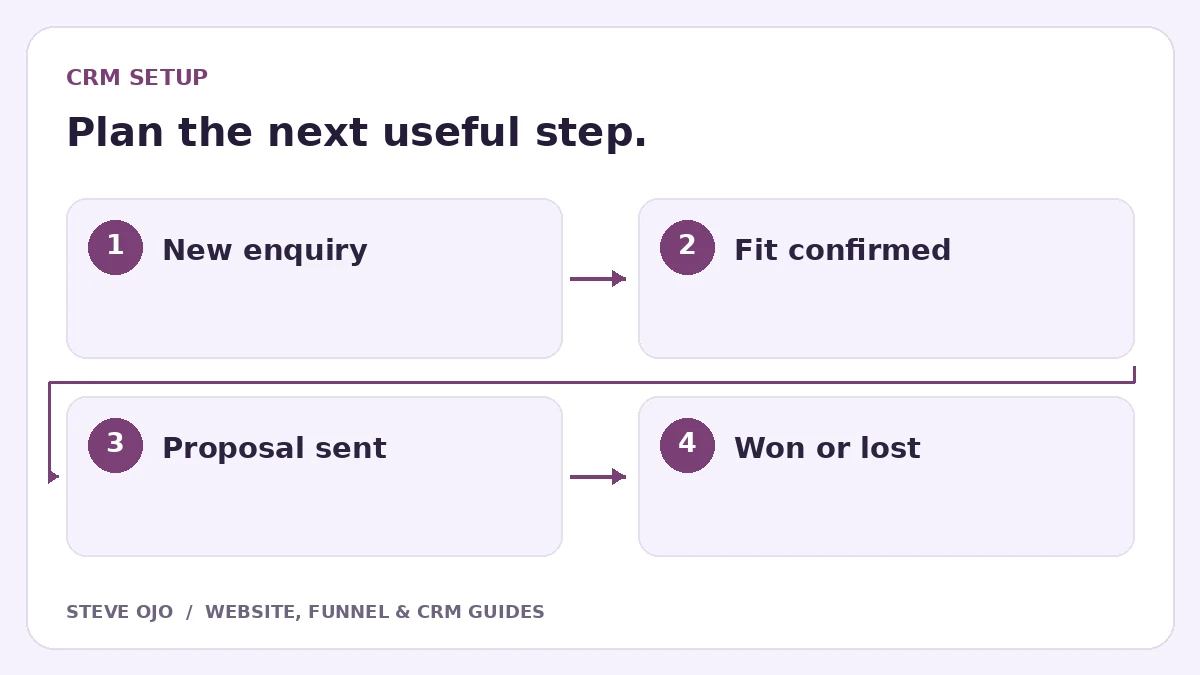
A CRM pipeline should show what has happened in a buying process and what needs to happen next. It is most useful when two staff members would place the same enquiry in the same stage. Begin with a small set of observable milestones and write the rules before adding automation.
Use stages for progress, tasks for work
“Proposal sent” describes a milestone. “Call tomorrow” describes a task. Keeping those separate makes the pipeline easier to read: the stage explains the deal’s position, while the next activity explains what the owner should do.
Do not create a stage for every email or reminder. A long pipeline can hide stalled enquiries rather than clarify them. Use notes and activity history for the details, with a next-action date for work that is still due.
Start with a service-business stage map
| Stage | Entry evidence | Next action |
|---|---|---|
| New enquiry | Valid request received | Review and assign |
| Fit confirmed | Service and scope broadly suitable | Arrange discovery or estimate |
| Assessment complete | Enough information to propose | Prepare the offer |
| Proposal sent | Current proposal delivered | Agree a follow-up date |
| Won or lost | Decision recorded | Onboard or close appropriately |
Adapt the map to the business. A simple repair team may not need a discovery stage, while a complex consulting engagement may need an approval milestone.
Write rules for moving each opportunity
For every stage, define who can change it and what evidence is required. Decide whether a booking automatically moves a deal or simply creates a task. A visitor opening a calendar should not count as an assessment completed.
Record the service, estimated value if known, responsible owner and next-action date. Use “unknown” rather than inventing a deal amount. The contact record identifies the person; separate opportunities can represent different projects or properties.
Use separate pipelines only for different processes
Different teams do not necessarily need different pipelines when they follow the same milestones. Separate pipelines make more sense when the underlying process differs, such as a paid workshop purchase versus a quoted installation.
HubSpot’s pipeline guidance makes the same distinction between process differences and team organisation. Pipedrive’s stage guidance also starts from the actual steps a deal passes through. The useful principle is portable: design the operating process first, then choose the configuration the tool supports.
Review stuck work without blaming the dashboard
Once a week, inspect opportunities with overdue or missing next activities. Ask whether they are genuinely waiting on the customer, waiting on staff or no longer active. Close lost work with a useful reason instead of leaving it permanently in “follow-up.”
Test new enquiry, returning customer, two simultaneous projects and a declined proposal before enabling stage-based messages. Track movement between defined stages and the time spent there. A pipeline is a decision tool only when the people using it agree what its labels mean.
Sources and product documentation
Product details checked 27 October 2026. Confirm current plans and the exact behaviour in your account before implementation.
Need help applying this to your business?
Steve Ojo designs websites, funnels and connected CRM workflows, working remotely from Nigeria. Share your current process and the outcome you need.
Explore the related service Discuss your project