
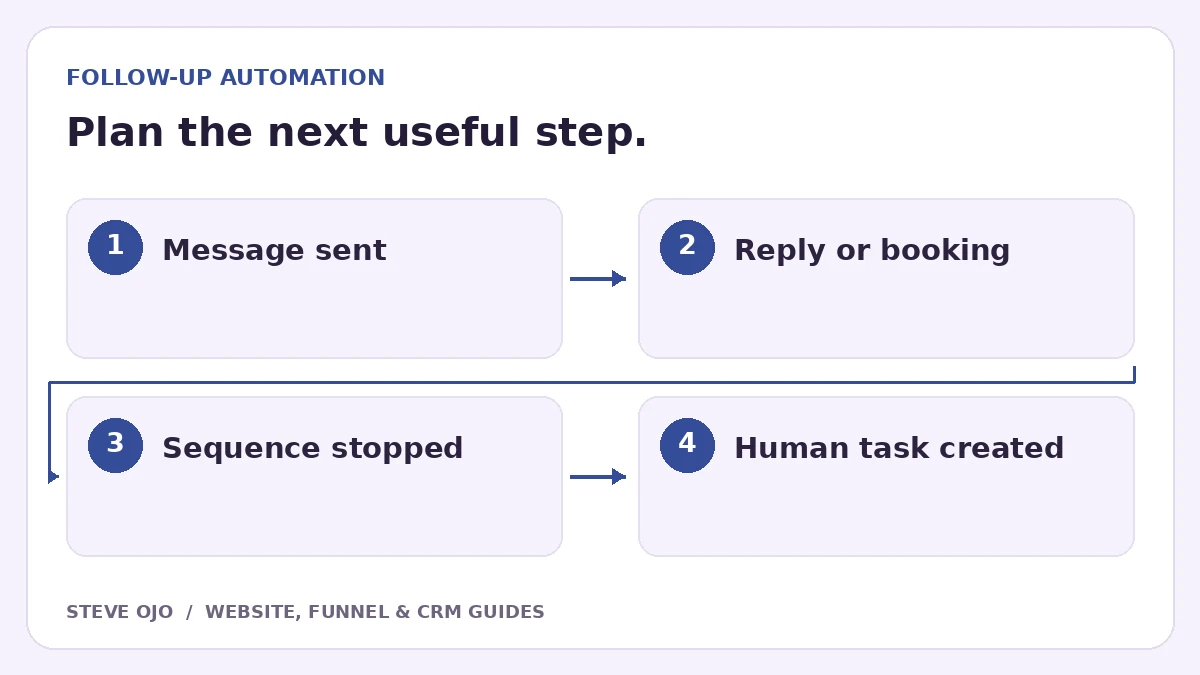
Automated follow-up should change when the person replies, books, buys or opts out. Those are different events and may need different controls. Start by listing the sequences that can contact the same person, then define which should stop and who should handle the conversation next.
Write the exit rules before the message sequence
For each workflow, specify its purpose and the events that make further messages inappropriate. A quote reminder may stop on approval or a human reply. A booking invitation should stop after a confirmed appointment. A service notification may need to continue even when a sales sequence stops.
Do not treat every reply as a conversion. A question, a complaint and a request not to be contacted all require different next actions. Give the owner enough context to respond without relying on a positive-sentiment guess.
Understand HighLevel’s Stop on Response boundary
HighLevel’s Stop on Response removes the contact from that workflow when they respond to a message from that workflow. It is not a universal switch that stops all workflows everywhere in the account.
If several sequences can run together, map them explicitly. Decide whether a reply should pause only the current campaign, remove the person from related sales workflows or create a review task. Check the platform’s current settings instead of assuming a single checkbox covers every case.
Create a reply handler with an owner
HighLevel’s Customer Replied trigger supports filters such as the reply channel and replied-to workflow. Use the narrowest relevant trigger, then create the agreed staff notification or task. Keep the reply connected to the contact and current opportunity.
For a small team, a named owner and next-action date may be enough. For a shared inbox, define how someone claims the conversation and what happens if nobody does. Stopping messages without arranging a human response can leave the lead waiting in silence.
Handle booking and opt-out events separately
A confirmed booking should change booking invitations, while a cancellation may require a different response. Opening the calendar is only an interaction. Use the provider’s confirmed appointment event or a verified CRM status.
Respect channel-specific communication preferences using the platform’s appropriate controls. Do not build a custom reply filter as a substitute for its opt-out mechanisms. If a staff member takes over manually, give them a clear way to pause sales follow-up without disabling unrelated operational notifications.
Run a multi-workflow test
- Enroll a fictional contact in one sales sequence and reply.
- Repeat with two active sequences and check each one.
- Book an appointment, then test cancellation and rescheduling.
- Test a contact who asks a question rather than accepting the offer.
- Verify that the correct owner receives the conversation and context.
Document the observed outcome for each path. Do not call the setup complete merely because one reminder stopped. The useful result is an appropriate next message, or no automated message, while a responsible person knows what to do.
Sources and product documentation
Product details checked 27 October 2026. Confirm current plans and the exact behaviour in your account before implementation.
Need help applying this to your business?
Steve Ojo designs websites, funnels and connected CRM workflows, working remotely from Nigeria. Share your current process and the outcome you need.
Explore the related service Discuss your project