
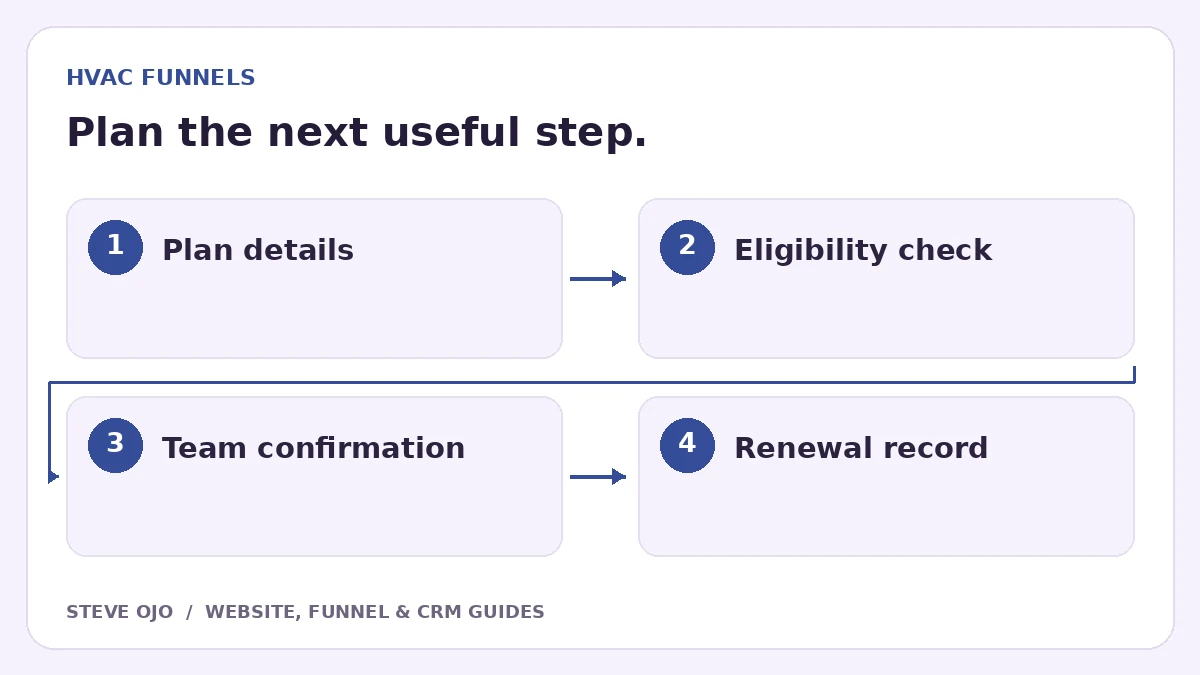
An HVAC maintenance plan funnel explains the agreement, checks whether the property is eligible and moves an interested customer to the right next step. It is different from an emergency repair page. Build the funnel around what the plan actually includes, how enrolment works and who handles the recurring service.
Define the agreement before designing the page
Write down the equipment covered, visit frequency, service area, exclusions and how customers arrange maintenance. State whether enrolment is monthly, annual or manually invoiced. If priority scheduling or discounts are included, describe their actual limits rather than promising unlimited coverage.
Have the business owner approve the agreement wording. A landing page is not a substitute for the underlying service terms. The visitor should be able to understand what they are requesting without interpreting a collection of promotional badges.
Separate new-plan interest from existing-member support
The main button might say “Ask about a maintenance plan” when eligibility requires review. Existing members need a separate way to request their next visit or ask about an invoice. Sending both groups through one sales questionnaire creates avoidable confusion for the customer and office.
Use a short explanation of the enrolment process: submit property details, confirm the equipment and coverage, then review the agreement. If the business sells the plan directly online, ensure the checkout, terms and recurring-payment explanation match the offer on the page.
Collect enough detail to assess fit
Useful starting fields include postcode, property type, approximate number of systems and a preferred contact method. “Not sure” is a reasonable option for equipment questions. Ask for technical serial numbers later if they are genuinely needed.
| Customer situation | Next action |
|---|---|
| New customer, coverage confirmed | Review equipment and agreement |
| Existing member | Route to service support |
| Outside coverage | Explain the limitation promptly |
| Urgent fault | Use the repair contact route |
Record the agreement separately from a lead
Use distinct statuses for interest received, eligibility reviewed, agreement offered and active customer. An enquiry should not trigger a welcome email claiming the plan is active. Only a confirmed purchase or approved enrolment should start member onboarding.
Record renewal dates, the responsible staff member and the system used to schedule visits. If the field-service tool is the source of truth, avoid creating a second competing schedule in the marketing CRM. Pass the information across and define which system wins when a record changes.
Test enrolment, renewal and cancellation boundaries
Use fictional records for a new member, an existing member, an ineligible property and a declined agreement. Check the page message, internal task and customer email for each route. Confirm that a cancelled or expired plan no longer receives active-member messages.
Track enquiries, eligible properties, accepted agreements and renewals separately. Those counts reveal whether the offer is attracting the right households and whether follow-up is reliable. Avoid attributing a renewal improvement to the page until you have comparable records over a meaningful period.
Sources and product documentation
Product details checked 27 October 2026. Confirm current plans and the exact behaviour in your account before implementation.
Need help applying this to your business?
Steve Ojo designs websites, funnels and connected CRM workflows, working remotely from Nigeria. Share your current process and the outcome you need.
Explore the related service Discuss your project