
An electrician quote form should help the office understand a planned job without asking a customer to diagnose an electrical problem. Keep the request short, explain what information is optional and make the next step clear. The form should support your existing call and estimating process, not create a second queue nobody owns.
Decide which jobs belong in the form
Use a quote form for planned installations, upgrades and other work the business accepts through an estimating process. Put the company’s urgent contact route near the form when relevant. Do not imply that an online request is monitored continuously or that submitting one dispatches an electrician.
Have the business define the service categories in ordinary language. “Lighting installation” is easier to select than an internal job code. Add “Other or unsure” so visitors can ask a question without picking an inaccurate category.
Use a small core of required fields
| Field | Suggested use |
|---|---|
| Name and reply details | Required for a response |
| Postcode or service area | Confirm coverage |
| Type of work | Assign the right estimator |
| Brief job description | Prepare the first conversation |
| Preferred timing or photos | Optional context, not a promise of availability |
Do not ask visitors to inspect equipment or provide information they cannot safely know. Explain accepted file formats if photos are allowed. Keep the form usable when an upload fails.
Make errors and success messages useful
Labels should remain visible after a person starts typing. Show which fields are required, use a suitable email or telephone keyboard and preserve valid answers when another field needs correction. W3C’s forms guidance is a useful reference for labels and input feedback.
After a successful request, confirm receipt and explain when the office normally responds. Use “We received your request” instead of “Your appointment is confirmed.” If the server rejects the request, show a retry route and the business contact details rather than displaying a false success screen.
Map answers to the estimating workflow
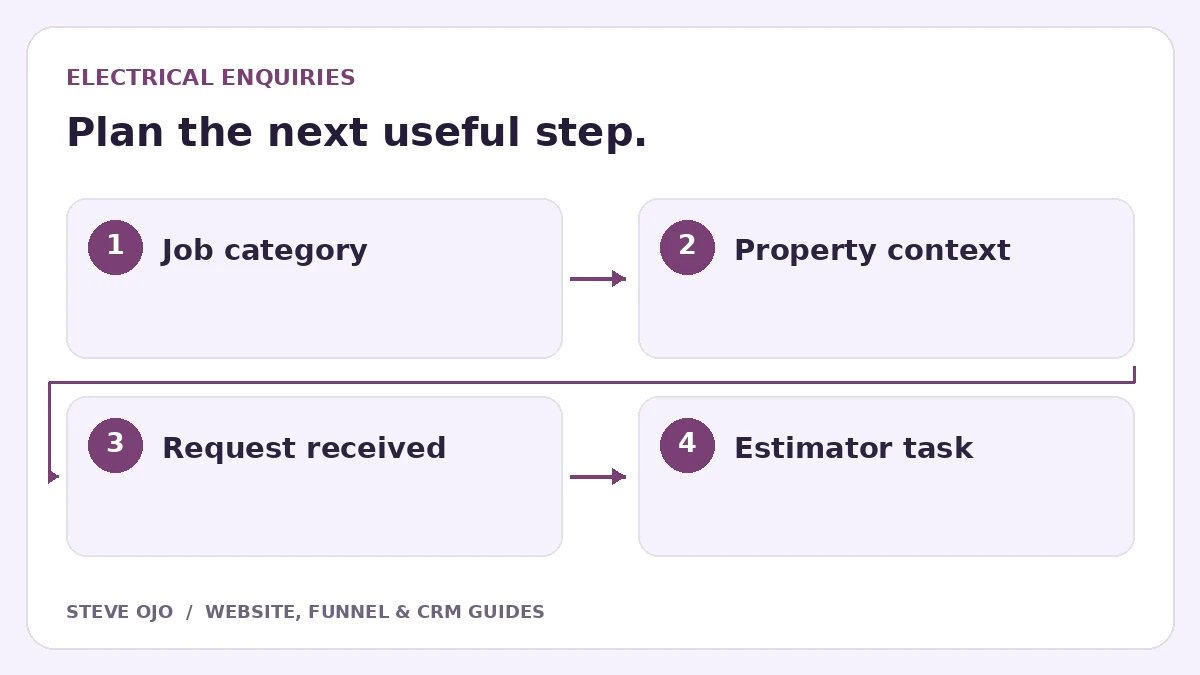
Store the selected service and source page in separate CRM fields. Assign a person or queue based on the agreed categories, and create a dated task for the first review. Send only the information needed in internal notifications; the CRM should hold the complete request.
If a customer already exists, attach the new job request without automatically overwriting established details. A returning customer can need another opportunity. The contact record identifies the person, while a job or opportunity record identifies the particular piece of work.
Test the edge cases an office will encounter
Submit a normal request, an out-of-area request, a returning customer and an incomplete form. Check whether the correct person receives each one and whether every answer survives the handoff. Try on mobile with an optional photo and without one.
Review the first real enquiries with the office. Remove fields that do not change the estimate or routing; add context only when staff repeatedly need it before a useful reply. Measure suitable requests and estimates arranged, with spam and duplicate submissions excluded from business reporting.
Sources and product documentation
Product details checked 27 October 2026. Confirm current plans and the exact behaviour in your account before implementation.
Need help applying this to your business?
Steve Ojo designs websites, funnels and connected CRM workflows, working remotely from Nigeria. Share your current process and the outcome you need.
Explore the related service Discuss your project