
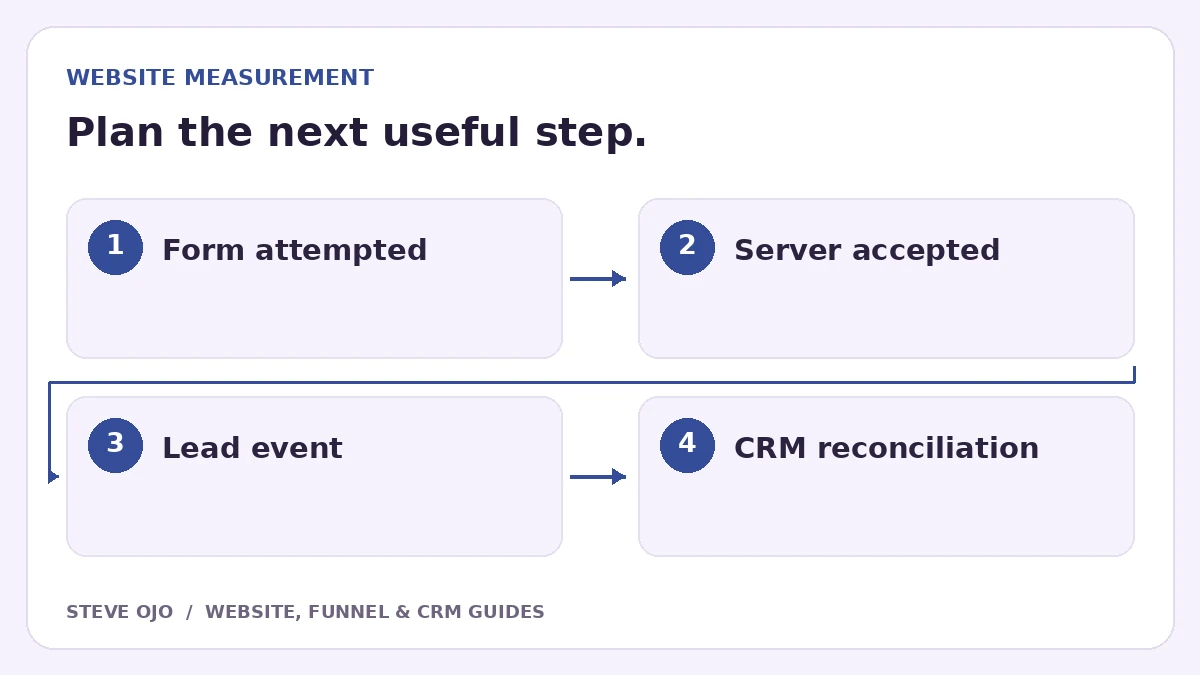
Track a successful form submission when the system accepts the request, not simply when someone clicks Submit. Then distinguish that enquiry from a qualified lead or a completed booking. This guide explains the event decisions and tests that help a small business avoid reporting broken forms or calendar opens as conversions.
Define the business event before configuring analytics
Write down the exact success condition: for example, a request stored successfully and acknowledged by the form backend. A submit-button click, validation error and accepted request are different states. Custom forms and embedded tools may expose different signals.
GA4 enhanced measurement includes form interaction events, but the implementation still needs validation for your form. Do not assume an automatically collected submission event proves the CRM received usable details. Compare analytics with the actual accepted request.
Choose one primary event for the accepted enquiry
Google documents generate_lead as a recommended event for submitted information or a request. Use a consistent event definition and mark the relevant event as a key event when it represents a meaningful business action.
If using a thank-you page, verify that it is reachable through genuine success and consider reload behaviour. If using a success callback, fire after acceptance rather than before the network request completes. Avoid firing both methods for the same submission unless deduplication is deliberately designed.
Keep personal details out of analytics
Use nonpersonal labels such as form type, service category or page path where appropriate. Google’s Analytics guidance prohibits sending personally identifiable information such as names, email addresses and phone numbers. Keep those details in the approved CRM, not event parameters or URLs.
Inspect confirmation links and page titles too. A developer can accidentally leak an email address in a query string even when the event payload looks clean. Review the complete request path before publishing a new tracking setup.
Separate booking interest from a booked appointment
| Action | What it establishes |
|---|---|
| Calendar opened | Booking interface viewed |
| Form accepted | Enquiry received |
| Appointment confirmed by provider | A booking exists |
| Staff marks suitable lead | Qualification decision recorded |
An external scheduling tool may require its own supported completion integration. Do not rename a calendar-open event “booked call” just to make the report simpler.
Validate success, failure and duplicates
- Submit a valid fictional enquiry and find it in analytics debug tools and the CRM.
- Trigger a validation error and confirm no success event fires.
- Simulate a server failure and check the same.
- Reload the confirmation and inspect duplicate events.
- Open the calendar without booking and verify it remains a separate interaction.
Reconcile trends with accepted CRM records, allowing for consent settings, blockers and reporting differences. Perfect equality is not always expected, but unexplained gaps need investigation. Measure qualified outcomes separately when the business can reliably record them.
Sources and product documentation
Product details checked 27 October 2026. Confirm current plans and the exact behaviour in your account before implementation.
Need help applying this to your business?
Steve Ojo designs websites, funnels and connected CRM workflows, working remotely from Nigeria. Share your current process and the outcome you need.
Explore the related service Discuss your project