
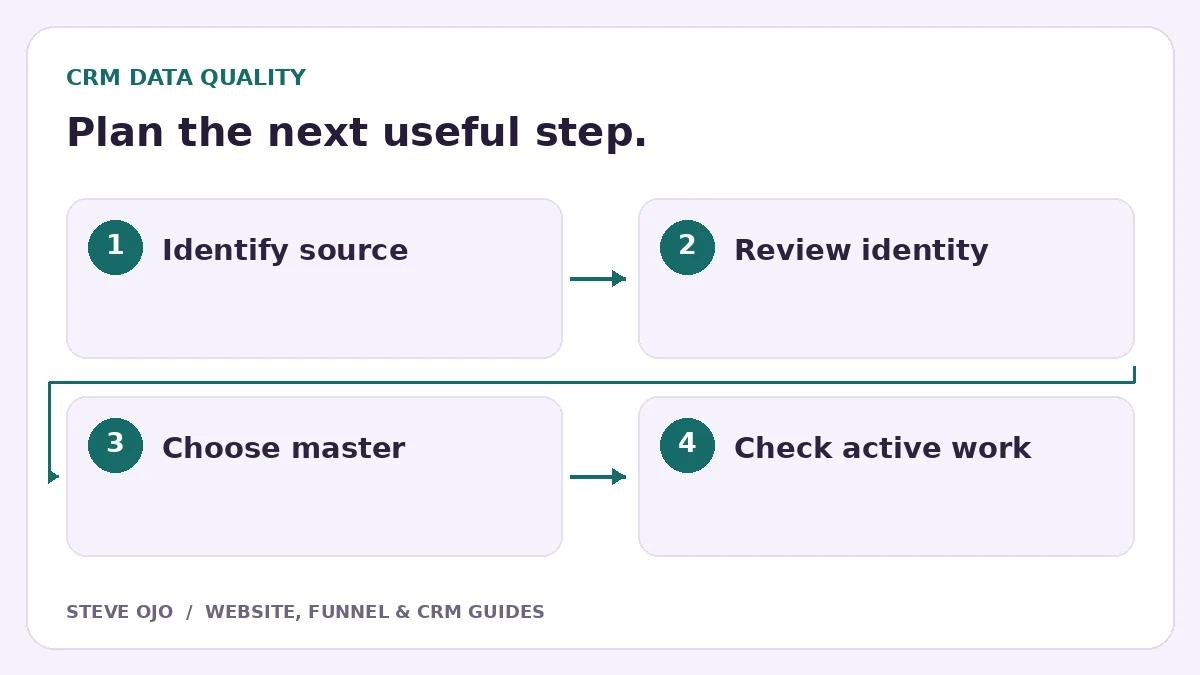
Duplicate CRM contacts usually come from inconsistent identifiers or several tools creating records independently. Fix the source before merging the backlog. A safe process distinguishes a duplicate person from a legitimate second project, keeps an audit trail and checks what will happen to active automations.
Find where duplicates are entering
Review a small sample and record its source: website form, import, booking tool, manual entry or integration. Look for missing email, inconsistent phone formatting and separate connectors that each create a new contact.
Do not assume a duplicate-prevention setting applies identically to every entry route. HighLevel documents different matching behaviour across sources, including imports. Test the actual form and integration that created the problem before changing a global setting.
Separate identity from opportunity
One person can request two services, own several properties or return for a new project. Those are not automatically duplicate opportunities to delete. The CRM should be able to preserve one contact with several related pieces of work when the process requires it.
Shared household numbers, office switchboards and generic business inboxes need care. A matching phone number is not always proof that two records represent the same individual. Use staff review for uncertain cases rather than a bulk rule that guesses.
Choose matching rules and test them
Use stable identifiers supported by the system, such as record IDs for migrations or a reliable email where appropriate. Normalise values consistently before importing. Keep the original source ID for reconciliation.
| Test record | Question to resolve |
|---|---|
| Same email, new request | Update person and add new work? |
| Changed email, same source ID | Can the existing record be matched safely? |
| Shared telephone number | Are these actually different people? |
| Two active deals | Which associations must remain? |
Review merges as a permanent data change
Before merging, choose the master record and compare contact values, notes, associations and active work. Export or document the affected records using the business’s approved process. Do not assume the system offers an undo button.
HighLevel says contact merges cannot be reversed; master values are retained by default and other custom values can fill blanks. Review the documented behaviour in your account before acting. A merge should never be a casual way to clean a dashboard during a live sales campaign.
Check the customer experience after cleanup
Verify the remaining contact has the correct owner, open opportunities and next task. Inspect active workflows for duplicate welcome messages or follow-ups. Then submit a test enquiry through the original source and confirm that the duplicate does not reappear.
Track the number and source of new duplicate candidates after the fix. The goal is a reliable contact history, not simply a lower record count. If different tools need different record models, document the relationship instead of forcing every customer activity into a single field.
Sources and product documentation
Product details checked 27 October 2026. Confirm current plans and the exact behaviour in your account before implementation.
Need help applying this to your business?
Steve Ojo designs websites, funnels and connected CRM workflows, working remotely from Nigeria. Share your current process and the outcome you need.
Explore the related service Discuss your project