
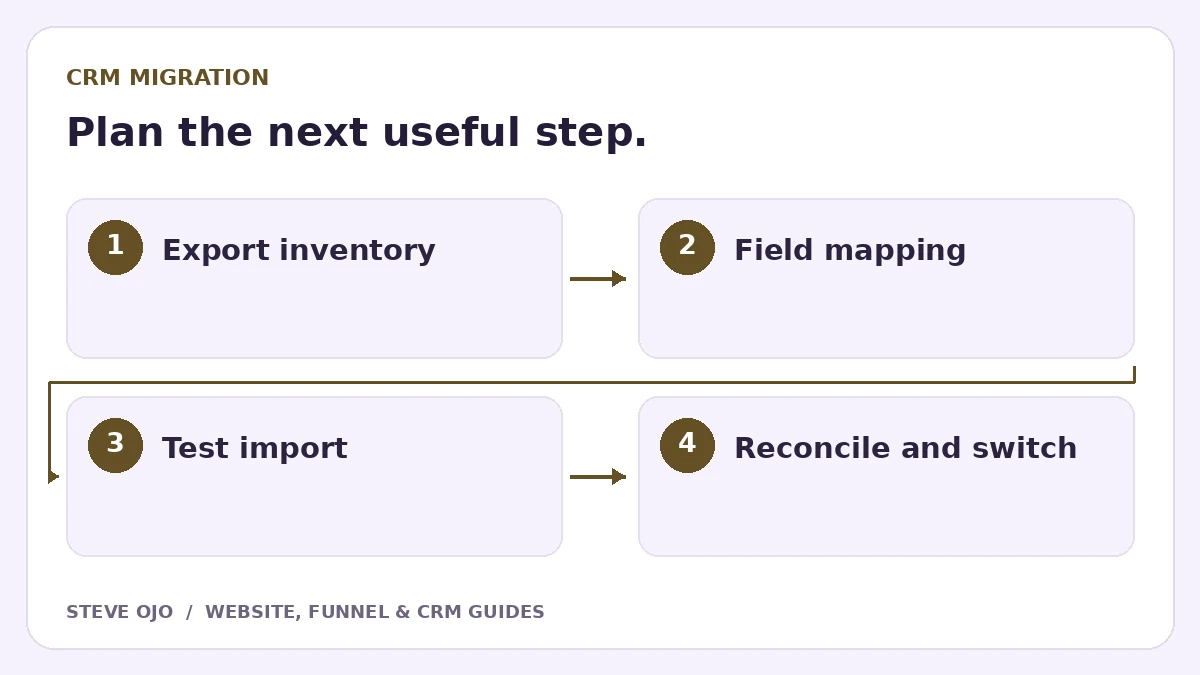
A CRM migration is a change to data and operating habits, not simply a CSV upload. Before switching systems, map the records, relationships and active workflows you need to preserve. Use a small test import and a reconciliation checklist so the team knows what moved, what did not and where work should continue.
Inventory the data and active work
List contacts, companies, opportunities, activities, notes, files, custom fields and any required associations. Record which system owns each item and whether it can be exported in a usable format. A contact CSV may not include message history or attachments.
Also list active automations, form connections, calendars and integrations. Decide what will pause during the move. Exporting records without considering those connections can leave new enquiries entering the old CRM after the team has stopped checking it.
Create a field and identifier map
For each source field, specify the destination field, type, allowed values and any transformation. Dates, phone formats and dropdown values deserve particular attention. Preserve the source record identifier somewhere safe for reconciliation.
Choose matching rules deliberately. For example, HubSpot supports import identifiers such as record IDs and email for relevant records. Do not assume every CRM matches records in the same way. Test a changed email address and a contact associated with more than one opportunity.
Import a representative sample first
Use a sample containing a normal contact, missing optional data, a company association, two deals for one person and a duplicate candidate. Check the result field by field with a team member who knows the source records.
| Check | Pass condition |
|---|---|
| Counts | Expected records present with explained exclusions |
| Relationships | Deals and companies linked correctly |
| Dates and values | Formats and dropdowns mapped accurately |
| Ownership | Active work assigned to valid users |
Protect the switch from duplicate messages
Keep marketing and onboarding sequences paused during the test import. Importing an old contact should not accidentally trigger a welcome email, task storm or abandoned-proposal chase. Review enrollment rules before turning anything on.
Set a cutover time and define how records created during the transition will be captured. Depending on the tools and scope, this may require a short freeze or a final incremental export. Agree the method with the business rather than quietly losing the gap between two exports.
Reconcile before closing the old workflow
Compare counts by record type and by meaningful stage, then sample individual records. Verify forms, calendars, notifications and one complete new enquiry in the destination. Ask the team to find their next activities without relying on the old dashboard.
Keep an approved backup and documented recovery path. Do not delete the old source simply because the import screen says “complete.” Sign off the exceptions, train the owners and record the migration date. A successful migration preserves the ability to do the next piece of work, not just the ability to search for a name.
Sources and product documentation
Product details checked 27 October 2026. Confirm current plans and the exact behaviour in your account before implementation.
Need help applying this to your business?
Steve Ojo designs websites, funnels and connected CRM workflows, working remotely from Nigeria. Share your current process and the outcome you need.
Explore the related service Discuss your project