
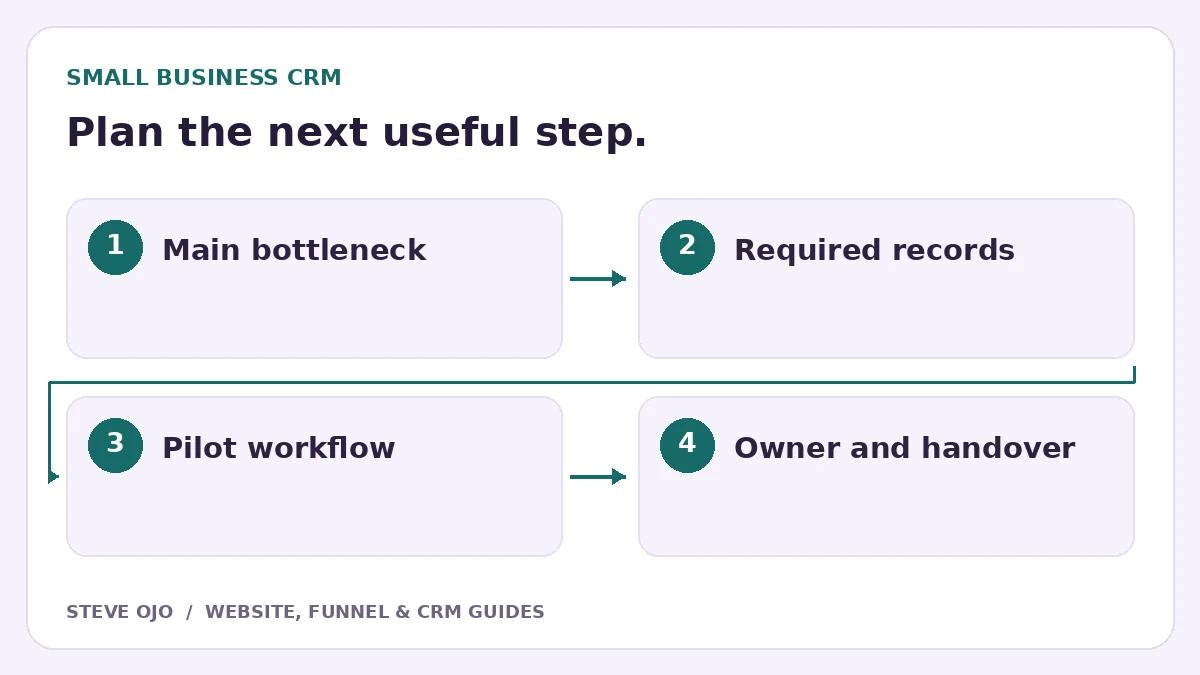
The best CRM for a small business is the one that helps the team complete its next customer action reliably. Start with the bottleneck: forgotten follow-up, scattered enquiry details, unclear proposals or service scheduling. These problems can point to different tools, even when every product calls itself a CRM.
Choose the problem before the platform
If staff cannot see who should reply, start with ownership and tasks. If leads arrive but never receive a useful next step, examine the website-to-CRM handoff. If the main difficulty is scheduling recurring work, an operational service platform may matter more than marketing automation.
Write three required outcomes and three things you do not need yet. A small list helps resist buying features that nobody will maintain. Include the people who handle enquiries every day, not only the person selecting the subscription.
Compare four credible approaches
| Approach | Example | Best fit to investigate |
|---|---|---|
| Contact/deal management | HubSpot | Shared records and structured team processes |
| Activity-led sales pipeline | Pipedrive | Visible deals with clear next actions |
| Acquisition and follow-up stack | HighLevel | Funnels, forms and nurture alongside CRM |
| Field-service operations | Jobber | Client properties, quotes and scheduled work |
This comparison is based on documented product scope, not a hands-on benchmark score. Check current plan limits, app connections and account requirements before choosing.
Calculate the whole operating cost
Include setup, data cleanup, migration, training, integrations and ongoing maintenance. A low subscription can still be expensive if staff spend hours fixing mismatched records. Advanced workflows or team functions may require a different plan from the one shown in an introductory price.
Ask who owns the account and how data can be exported. Check what happens if the builder or agency is no longer available. The business should understand where its customer information, forms and connected accounts live.
Run the same customer journey on the shortlist
Use a fictional new enquiry, a returning customer and two projects for one contact. Assign an owner, send a proposal, record a reply and close the outcome. If booking matters, confirm a real test slot and then reschedule it.
Watch the future user work through the process. Can they find the latest information and next action without a tutorial? A tool that passes the demo only when the implementer operates it may need a simpler configuration or a different handover plan.
Adopt a small working process first
Begin with a clear pipeline, a few necessary fields, reliable notifications and the most important follow-up. Document the entry rules and exit events. Add complexity when real use shows a repeated need, rather than importing a large snapshot you cannot explain.
Review unassigned enquiries, overdue tasks and duplicate records after launch. Measure qualified opportunities and completed business outcomes separately from contact totals. If your business is niche-specific, use the coaching or cleaning-business comparison for a more detailed test.
Sources and product documentation
Product details checked 27 October 2026. Confirm current plans and the exact behaviour in your account before implementation.
Need help applying this to your business?
Steve Ojo designs websites, funnels and connected CRM workflows, working remotely from Nigeria. Share your current process and the outcome you need.
Explore the related service Discuss your project