
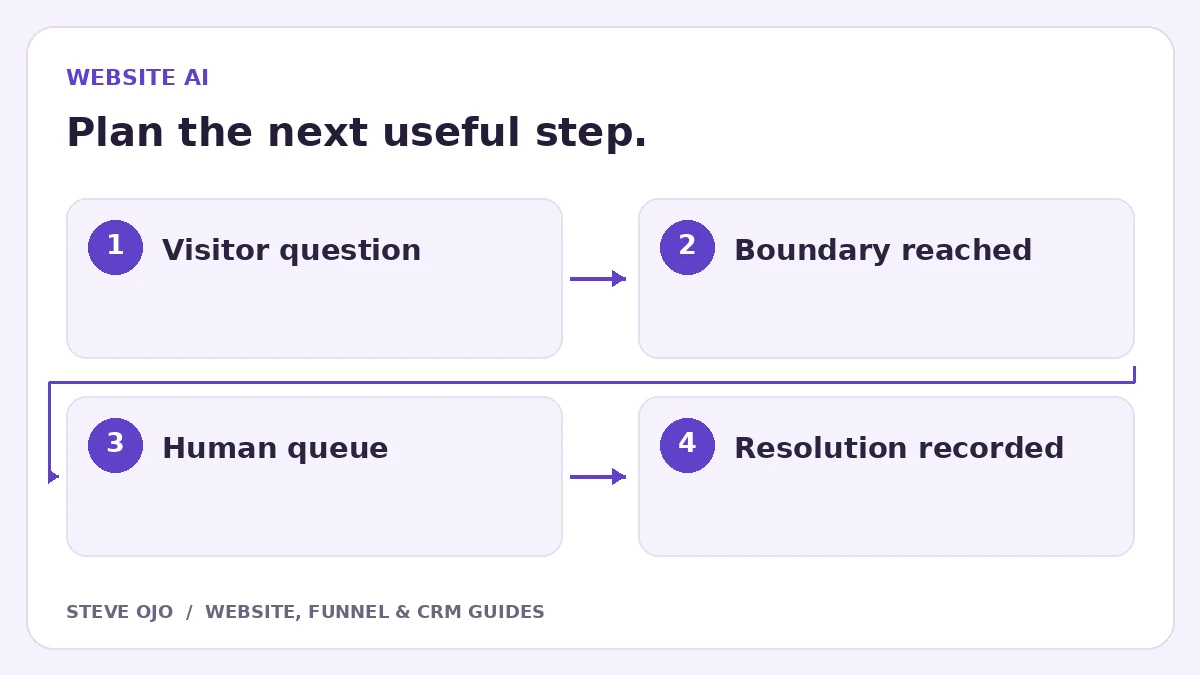
A website chatbot needs a human handoff when it cannot answer reliably, the visitor asks for a person or the request requires a decision outside its scope. Design that transition as part of the conversation. The visitor should know whether a person is available now or will reply later.
Define escalation triggers in ordinary language
Start with explicit requests for a human, questions outside the approved information, repeated failed answers and sensitive account or complaint issues. Review the list with the team that will receive the conversations.
Do not depend entirely on a vague confidence score. A bot can sound certain while misunderstanding a question. Add clear rules for actions it must never complete without review, such as changing an account owner or making a binding promise about an unconfirmed booking.
Choose live transfer or an asynchronous reply
If staff are available for live chat, define who accepts the conversation and how quickly the system recognises an unclaimed handoff. If the business only offers callbacks or email replies, say that clearly. “Connecting you now” is misleading when the queue is not staffed.
Ask for the minimum reply details only when they are needed. Preserve the conversation context so visitors do not have to type the same question again. Avoid requesting passwords or confidential documents inside a general website chat.
Send staff a short, useful handoff record
| Context | What staff need |
|---|---|
| Visitor’s request | A concise summary plus the original conversation |
| Reason for escalation | Human requested, unsupported question or failed action |
| Actions attempted | What the bot tried and whether it succeeded |
| Reply route | Approved contact details and preferences |
Keep the transcript accessible through the approved tool rather than copying sensitive details into a broad notification channel.
Pause the bot while a person owns the conversation
Define how a staff member takes over and how the bot stays quiet during that period. A human response should not compete with another automated answer. Decide how the conversation can return to automation after resolution, if that is appropriate.
For systems with separate sales follow-up workflows, check those too. A chat handoff alone may not stop email or SMS messages elsewhere. Map the communication state across the tools rather than assuming one inbox status governs every channel.
Test failure paths as carefully as normal answers
Ask an unsupported question, request a human twice, try outside staff hours and simulate an unavailable inbox owner. Check the fallback wording and the task created for staff. Test a failed calendar or CRM action to make sure the bot does not report success.
Review unresolved escalations, repeated questions and the time to a meaningful human response. These show where the knowledge, scope or staffing needs attention. A chatbot that reliably hands over a difficult question is more useful than one that continues confidently without an answer.
Sources and product documentation
Product details checked 27 October 2026. Confirm current plans and the exact behaviour in your account before implementation.
Need help applying this to your business?
Steve Ojo designs websites, funnels and connected CRM workflows, working remotely from Nigeria. Share your current process and the outcome you need.
Explore the related service Discuss your project