
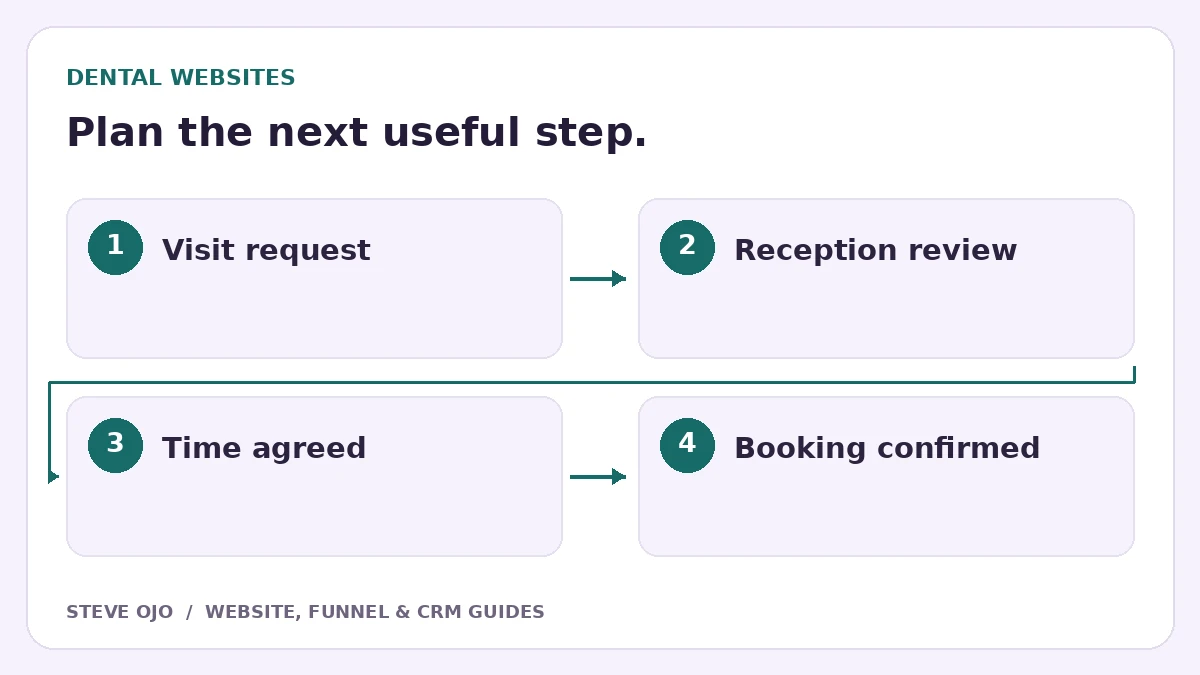
A dental website form should make it clear whether the patient is requesting a time or making a confirmed appointment. A request usually needs front-desk review. Design that distinction into the page, the confirmation and the staff workflow so patients do not arrive believing an unconfirmed slot has been reserved.
Choose a request form or a live booking system
A request form records preferences for the team to review. A live booking system offers actual available appointment times under the practice’s scheduling rules. Choose the model the practice can operate reliably before writing the main button.
If staff must check visit length, provider availability or patient status, “Request an appointment” can be more accurate than “Book now.” Explain when reception normally replies. Give the practice’s existing urgent-contact instructions a visible place, rather than treating the form as a continuously monitored channel.
Keep the first form focused on arranging contact
Collect the person’s name, contact details, broad visit category and preferred days or times. Ask whether they are a new or existing patient only if it affects routing. Let reception gather the detailed information through the practice’s approved patient process.
A general marketing enquiry form should not invite medical records, detailed symptoms or identification uploads. Have the practice approve data collection, the form platform and who can access submissions. This is a website workflow decision that needs the practice’s operational review, not a clinical questionnaire template.
Write a confirmation that cannot be mistaken for a booking
A useful message says that the request has been received, the preferred time is not yet confirmed and reception will contact the person. Repeat the relevant contact route if the matter cannot wait for the stated reply window.
Keep request and appointment emails visually distinct. When staff have agreed a real appointment, send the confirmed time, location and the practice-approved preparation information through the scheduling system. Avoid making an initial enquiry acknowledgement look like a final appointment card.
Give reception a workable review queue
Assign requests to a responsible person and record the request date, contact preference and next action. Suggested states are received, attempted contact, time offered and appointment confirmed. An unanswered callback and a booked appointment should not share the same status.
Keep the patient scheduling or practice-management system authoritative for actual appointments. If the website CRM sends a lead across, define how staff reconcile it and what happens when the appointment changes. Do not create two calendars that can disagree about the same visit.
Test the wording and the handoff with reception
- Submit a fictional request for an unavailable time.
- Check that the visitor sees “request received,” not “appointment confirmed.”
- Verify that reception receives the broad visit type and reply preference.
- Confirm a different time and inspect the final customer message.
- Test a cancellation or reschedule in the scheduling system.
Review requests and confirmed appointments separately in reporting. A busy form does not prove the schedule is filling with suitable visits. Start by making the request status truthful and easy for both patients and reception to understand.
Sources and product documentation
Product details checked 27 October 2026. Confirm current plans and the exact behaviour in your account before implementation.
Need help applying this to your business?
Steve Ojo designs websites, funnels and connected CRM workflows, working remotely from Nigeria. Share your current process and the outcome you need.
Explore the related service Discuss your project